
After spending nearly four months with Brave as my daily driver, I recently hit a bit of a wall. It all started with a simple, practical need. As someone who spends a lot of time exploring the internet, I have a ton of different accounts to manage. My initial solution in Brave was to create multiple profiles each tailored with its own specific settings.
The headache began when trying to keep everything in sync across two devices (my PC and laptop). Imagine having two devices with three profiles each; that meant I had to manually configure the preferences six separate times. To be honest, I couldn’t find a straightforward way to make a new profile inherit all the settings from the default one. While some people might prefer having distinct settings for each profile, my use case was simpler: I just wanted to separate my accounts, not my entire browsing environment.
On top of that, Brave has been starting to feel a bit bloated lately. I originally switched to it for speed, but nowadays, it’s packed with features I never asked for Web3 crypto wallets, rewards programs, built-in AI assistants, and so on. Between the feature creep and the multi-profile annoyance, I needed a change. So, after a deep dive into Google, bouncing ideas off AI, and scouting YouTube, my choice brought me right back to Zen Browser.
Why “Back”?
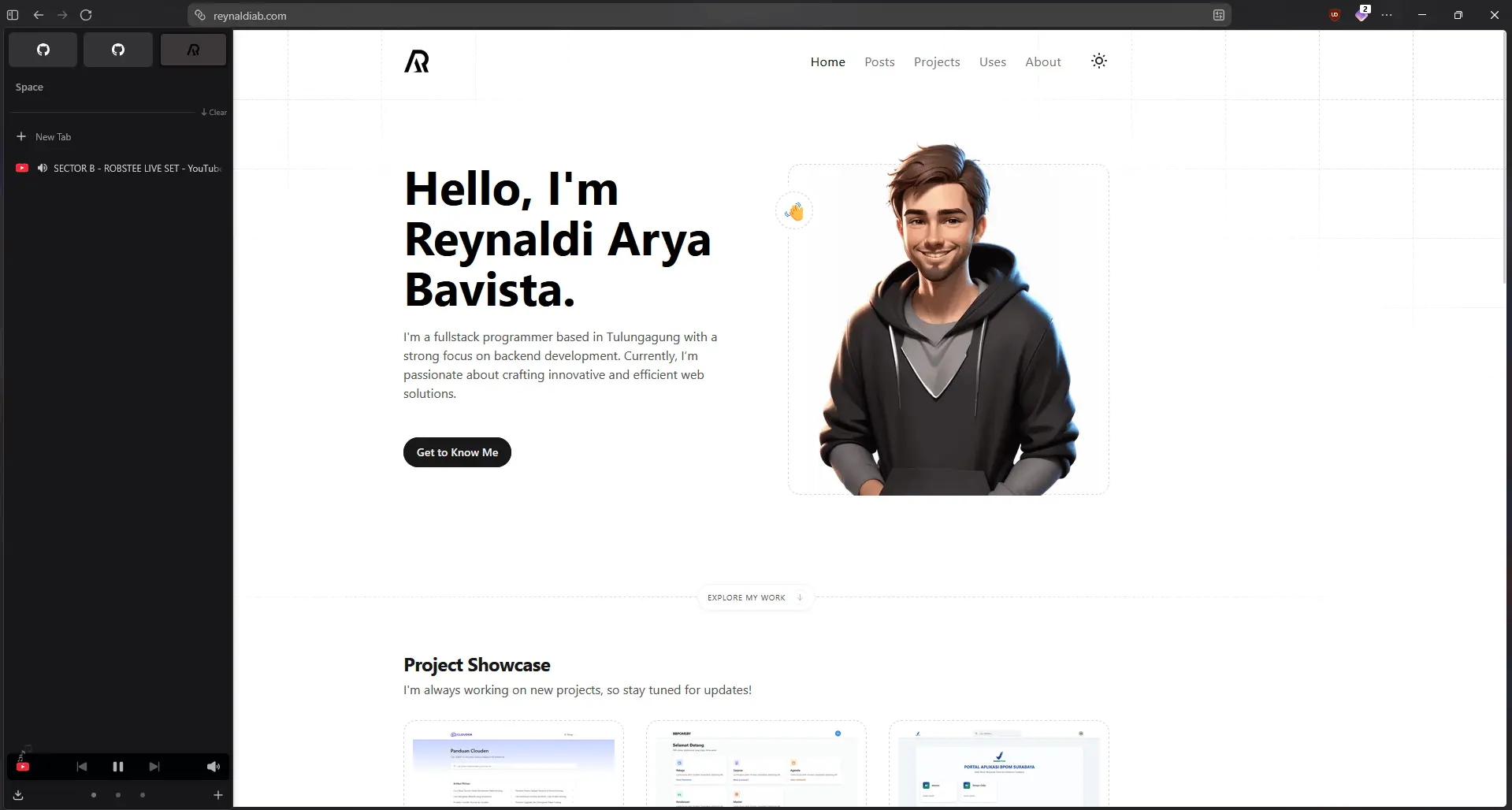
To be fair, I had actually toyed around with Zen long before my Brave phase. Back then, it wasn’t ready to be my main browser because it felt a bit too experimental. Interestingly, even though it’s still technically in beta today, the current iteration feels remarkably stable, mature, and ready for daily use.
I’ve always been a fan of its sleek, modern visual aesthetic. But what truly sealed the deal for me were its essential workspace features: Workspaces, Spaces, and most importantly, Containers.
The Containers feature completely solves my Brave multi-profile dilemma. Powered by Firefox’s core tech, it isolates browsing sessions so beautifully that I can log into multiple accounts or emails simultaneously within a single default profile. I just set up different spaces, keep my unified settings, and keep my accounts isolated. It is incredibly convenient and saves me from configuring things from scratch on another machine.
The Downsides (Because Nothing is Perfect)
Of course, migrating from a Chromium-based engine to Gecko (Firefox) comes with a few trade-offs that I have to live with.
- A Smaller Extension Ecosystem: On Chromium, I frequently relied on extensions like GoFullPage for full-page captures. That specific extension isn’t available on Gecko. Fortunately, Zen comes with a great built-in screenshot utility, so that problem solved itself.
- Heavier RAM Consumption: One slightly annoying trait of the Firefox base is that it seems to eat up more memory compared to Brave. Whether this is due to me running multiple containers at once or something else, I haven’t really investigated yet.
- No Out-of-the-Box DRM (Widevine) Support: According to their official documentation, Zen is still awaiting Widevine license approval from Google. This means DRM-protected services like Netflix, Disney+, Prime Video, and Spotify web won’t stream any content for now. However, this isn’t a deal-breaker for me at all. My primary source of video entertainment on a browser is just YouTube which doesn’t require DRM and runs perfectly fine on Zen.
- Back to Basics: Coming from Brave which is notoriously aggressive at blocking YouTube ads out of the box with Brave Shield, Zen feels quite bare-bones initially. Since it’s pure Firefox under the hood, I had to manually install essentials like uBlock Origin to get that clean, ad-free experience back.
Conclusion
What I realized through this switch is that choice of tools always comes down to your personal workflow comfort. Even with the slight compromise in RAM usage and having to set up ad-blocking manually, the sheer convenience of managing sessions via Containers is a massive win for my daily productivity.
As of writing this post, I’ve just finished moving everything over to Zen. To be fair, I haven’t fully scratched the surface of what it can do yet. Consider this a first impression. If I stumble upon any cool tweaks or if major updates roll out, I’ll definitely write about them in a follow-up post.